A Strava alternative for cyclists who want a training plan
Strava is where most cyclists record and share their rides. It has segments, routes, clubs and a feed of your friends' rides. A subscription adds training insights, a Fitness Score, and Athlete Intelligence, which writes an AI summary of your rides.
Strava doesn't plan your cycling. Its subscription page lists training plans only for running, through the Strava and Runna bundle. Torque is an iPhone app that plans your riding around the days and hours you have. Many riders will want both.
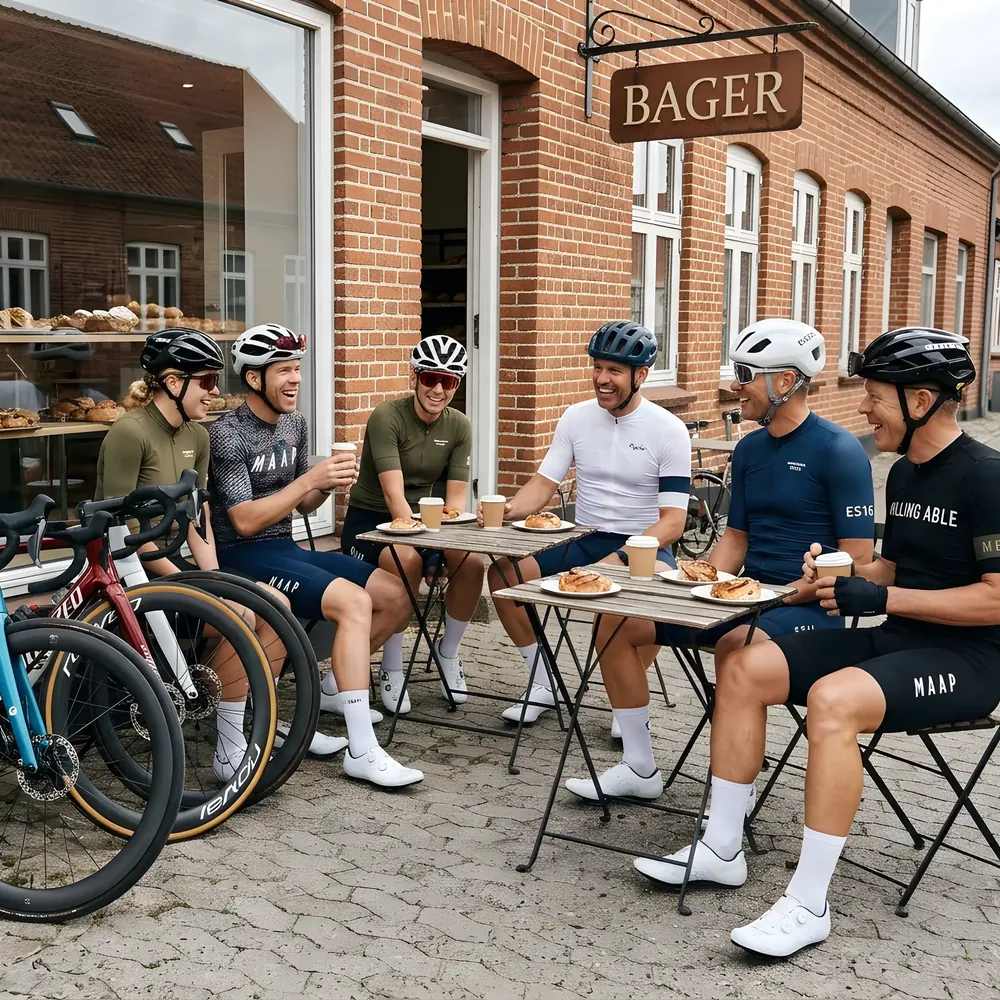
Torque and Strava side by side
| Feature |  Torque Torque | Strava |
|---|---|---|
| Plans your week for you | Yes | No1 |
| Changes the plan when you miss a day | Yes | No1 |
| Plans around your work and family days | Yes | No1 |
| Sessions in watts and heart rate | Yes | No1 |
| Plain-language read of every ride | Yes | Yes2 |
| Rides outside and indoors | Yes | Records both |
| Controls a smart trainer | Yes | Not confirmed3 |
| Works without a power meter | Yes | Not confirmed4 |
| Price | $9.99 a month or $79.99 a year | Free, or a paid subscription priced by country |
| Platform | iPhone | iOS, Android, web |
| Social feed and segments | No | Yes |
Prices checked October 2026 from their websites. Strava shows its subscription price in your own currency, so it isn't listed here.
- 1Strava's training plans are for running, through its Runna bundle.
- 2Athlete Intelligence writes an AI summary of rides for subscribers.
- 3Not listed among Strava's subscription features.
- 4Strava doesn't set cycling sessions, so this doesn't apply.
Choose Strava if you want to share rides, follow friends and chase segments.
Choose Torque if you want to know what to ride next. Many riders will use both.
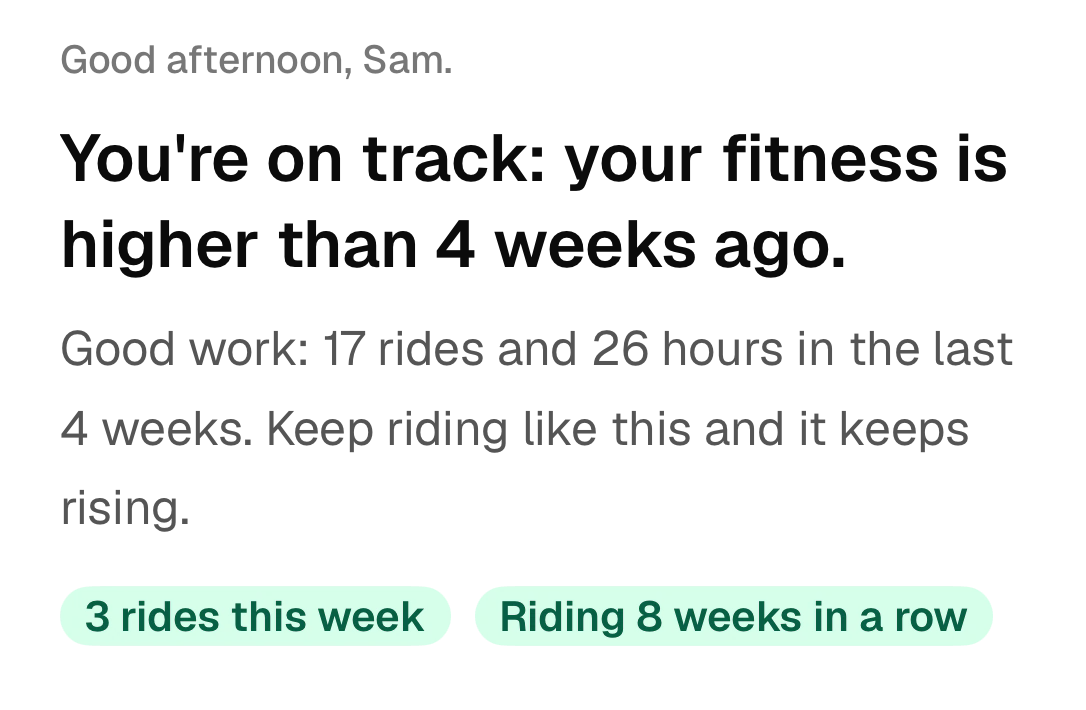
How Torque plans your week
Torque plans your week around work and family, gives you a few sessions that work, and gets you faster on the hours you have.
- 1
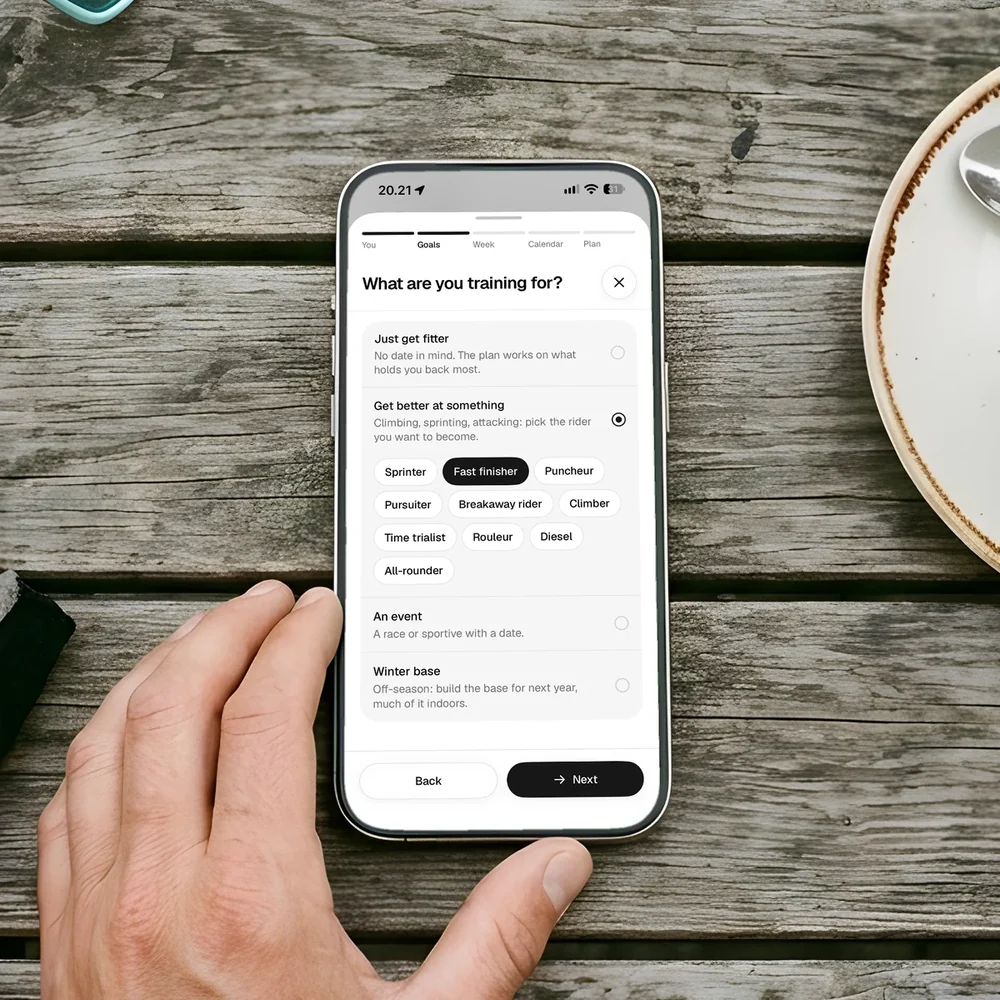
What are you training for?
An event, a winter base, a kind of rider you want to become, or just getting fitter. Torque builds the plan around it.
- 2
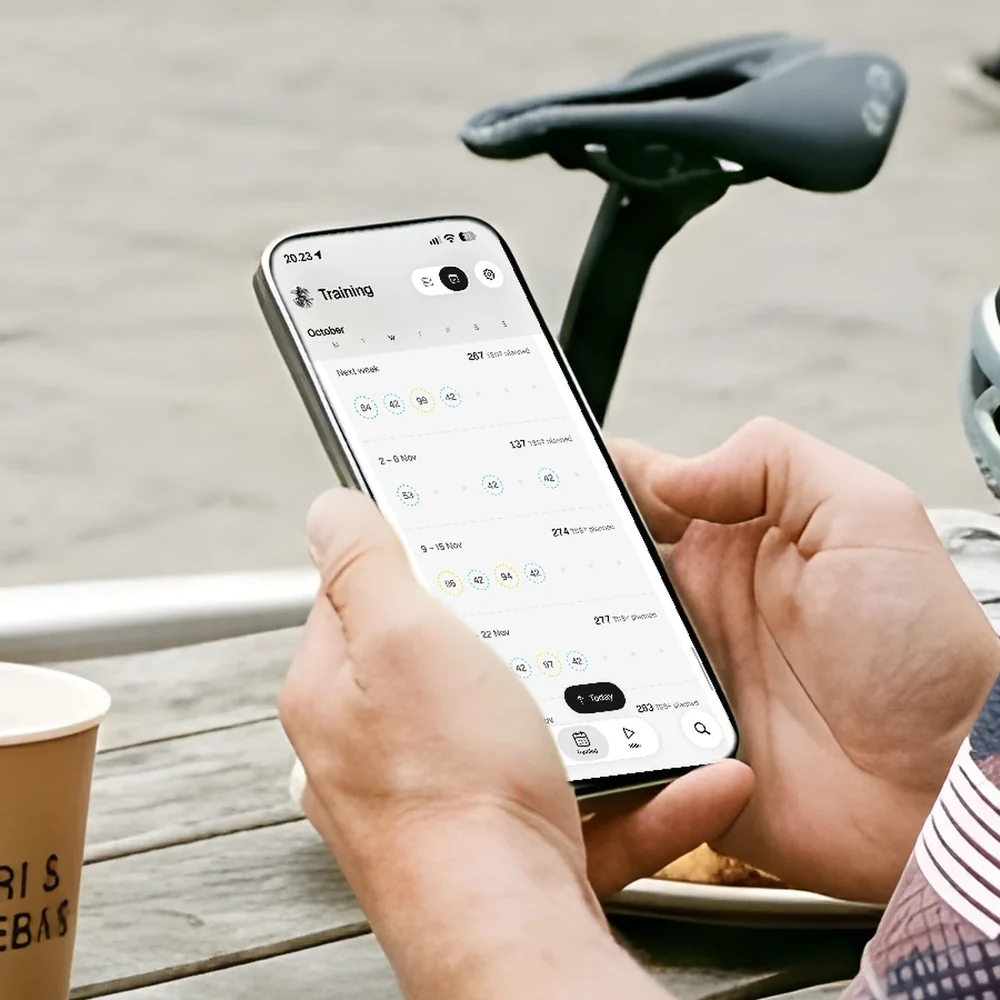
See the weeks ahead
Every session for the coming weeks, set to the days and hours you have. Each circle is a session and its load.
- 3
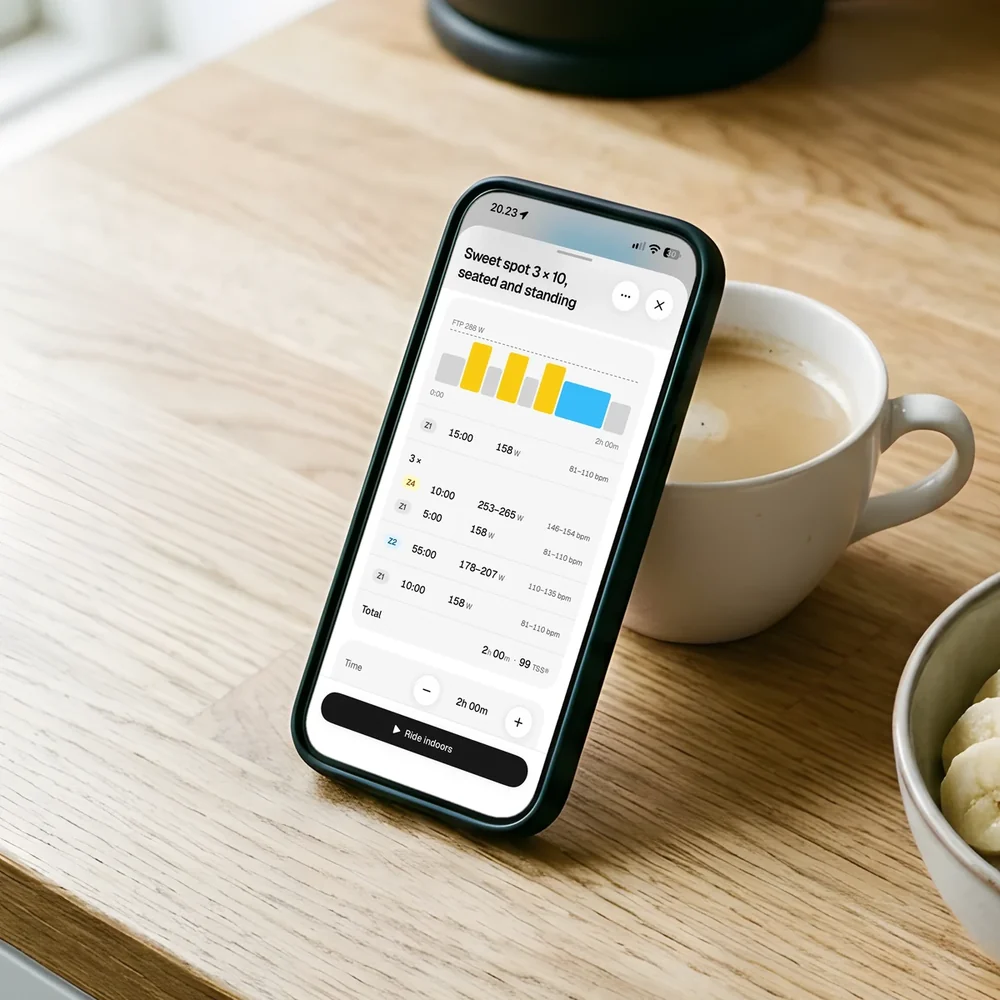
Ride the session
Each session has its time, its power in watts and its heart rate. Ride it outside, or indoors on your trainer.
What Strava does well
- Community. Your friends' rides, clubs and challenges are all in one place.
- Segments and routes. Leaderboards on the roads you ride, route suggestions, and routes you draw yourself.
- Device support. Garmin, Wahoo, Apple Watch, COROS, Polar and Suunto sync to it, and so do apps such as Zwift and TrainerRoad.
- Ride summaries. Athlete Intelligence writes a short AI summary of rides for subscribers.
When to choose Strava
- You want to share your rides and see your friends' rides.
- You like segments, leaderboards and challenges.
- You want route suggestions and to plan routes on a map.
- You only want to record rides, not follow a plan.
When to choose Torque
- You want a plan that tells you what to ride each day, in watts and heart rate.
- You have about 6 hours a week and want them used well.
- You want the plan to adjust when you miss a ride, cut one short or add a club ride.
- You want a short note after each ride on what it did for your fitness.
- You want to keep your training private.
You don't have to pick one. Keep Strava for the social side, and use Torque for the plan.
Questions
Can I use Torque and Strava together?
Yes. A direct Strava connection is coming soon: Strava has to approve apps like Torque, and its review is in progress. Until then, your rides reach Torque from Wahoo, Hammerhead or Apple Health.
Does Torque have segments or a feed?
No. Torque is for planning and reading your training. Your data is never sold or shared with other riders.
Does Torque write a summary of each ride?
Yes. After each ride Torque gives you a short note in plain language on what the ride did for your fitness, with its power and heart rate.
What does Torque cost?
$9.99 a month, or $79.99 a year. It is free for 14 days, with no card to start.
Try Torque free for 14 days.
Every feature from day one, and no card to start. Torque isn't on the App Store yet. Leave your email and you'll hear the day it is.
Get Torque